
A pattern that looks stunning on screen doesn't always look stunning on fabric. Pixelated edges, colors that drift, visible seams between repeats: most of these problems have nothing to do with the design itself. They come down to fabric printing file preparation. This guide walks you through the five technical checks to make before you send artwork to a printer: resolution, color mode, sizing, repeats and file format.
How do you prepare a design file for fabric printing? Set up the file at its actual print size with at least 150 ppi (ideally 300 ppi for fine detail), work in RGB unless your printer asks otherwise, make sure your repeat tiles seamlessly with no visible joins, then flatten it to a single layer and export in the format your printer requests, such as JPG, PNG or TIFF.
Why does fabric printing file preparation matter so much?
Fabric printing file preparation matters because fabric is printed by the meter, not by the sheet, so any flaw in one tile is repeated across the whole roll. A fabric print file is the artwork you send to a printer as the reference for printing on textile, including its size, resolution, colors and repeat rules.
In digital printing, the machine prints your motif over and over along the length of the fabric. If a single tile doesn't join neatly, that small mistake shows up hundreds of times.
Zalmon Fabric in Bandung offers custom digital fabric printing using designs supplied by the customer.
What resolution should a fabric print file be?
Most fabric printing files are prepared at 150–300 ppi at actual print size. Around 150 ppi is usually enough for large motifs and flat-color illustrations, while 300 ppi is safer for fine lines, small details and photographic artwork.
PPI (pixels per inch) is the number of pixels in one inch of an image; the higher the number, the denser the detail. The part people often miss: resolution only counts at the real print size. A 300 ppi file measuring 10 × 10 cm will pixelate if it's scaled up to 50 × 50 cm.
- Don't upscale artificially. Changing 72 ppi to 300 ppi in Photoshop adds pixels, not detail, so the image stays soft.
- Start big. Create your canvas at print size from the beginning, or draw in vector and export at the resolution you need.
- View at 100%. Inspect the file at 100% zoom to spot jagged or blurry areas.

Should fabric print files be RGB or CMYK?
For digital fabric printing, many printers ask for RGB files because RGB has a wider color range (gamut) than CMYK. The printer's RIP software then converts those colors to its ink set using a color profile for the specific fabric.
Color mode is the system a file uses to store color, such as RGB (red, green, blue) for screens and CMYK for paper printing. FESPA's guide to designing for digital textile printing recommends asking your printer which RGB working profile or CMYK ICC profile they prefer, because not every color can be reproduced on every machine and every fabric.
- Ask which color mode your printer wants before you start designing, not after.
- Avoid converting back and forth between RGB and CMYK; bright colors can turn dull.
- Screens emit light while fabric reflects it, so a print will never match your monitor 100%. Learn more in our guide to fabric print color matching.
How do you set file size and fabric direction?
Your file should match the size you want printed on the fabric, with the file's width following the fabric width and its height following the fabric length. That way the printer never has to guess the scale of your motif.
Before you fix the size, decide on the right motif scale for the product. A large floral might look beautiful on a dress but get chopped awkwardly on a shirt collar or a small scarf. An easy test: print one tile on paper at actual size and lay it on your garment pattern.
Watch the direction of your motif too: directional prints, such as upright birds or trees, must be oriented correctly along the fabric length.
What is a pattern repeat and how do you make it seamless?
A pattern repeat is a single design tile that is repeated continuously to fill the whole fabric. A repeat is seamless when the left edge joins perfectly with the right edge and the top joins perfectly with the bottom, so no join lines are visible.
These are the most common repeat layouts:
| Repeat type | How it repeats | Works well for |
|---|---|---|
| Full drop (block) | Tile repeats straight across and straight down | Geometrics, checks, stripes |
| Half drop | Each column shifts down by half the tile height | Florals and illustrations that should feel more random |
| Brick | Each row shifts across by half the tile width | Motifs meant to spread horizontally |
| Mirror | Tile is flipped sideways and/or downwards | Symmetrical motifs and ornaments |
In Adobe Illustrator, the Pattern Options panel for creating and editing patterns lets you preview how a tile joins across several tile types. In Photoshop, the Offset filter moves the edges to the center of the canvas so you can spot and fix seams.
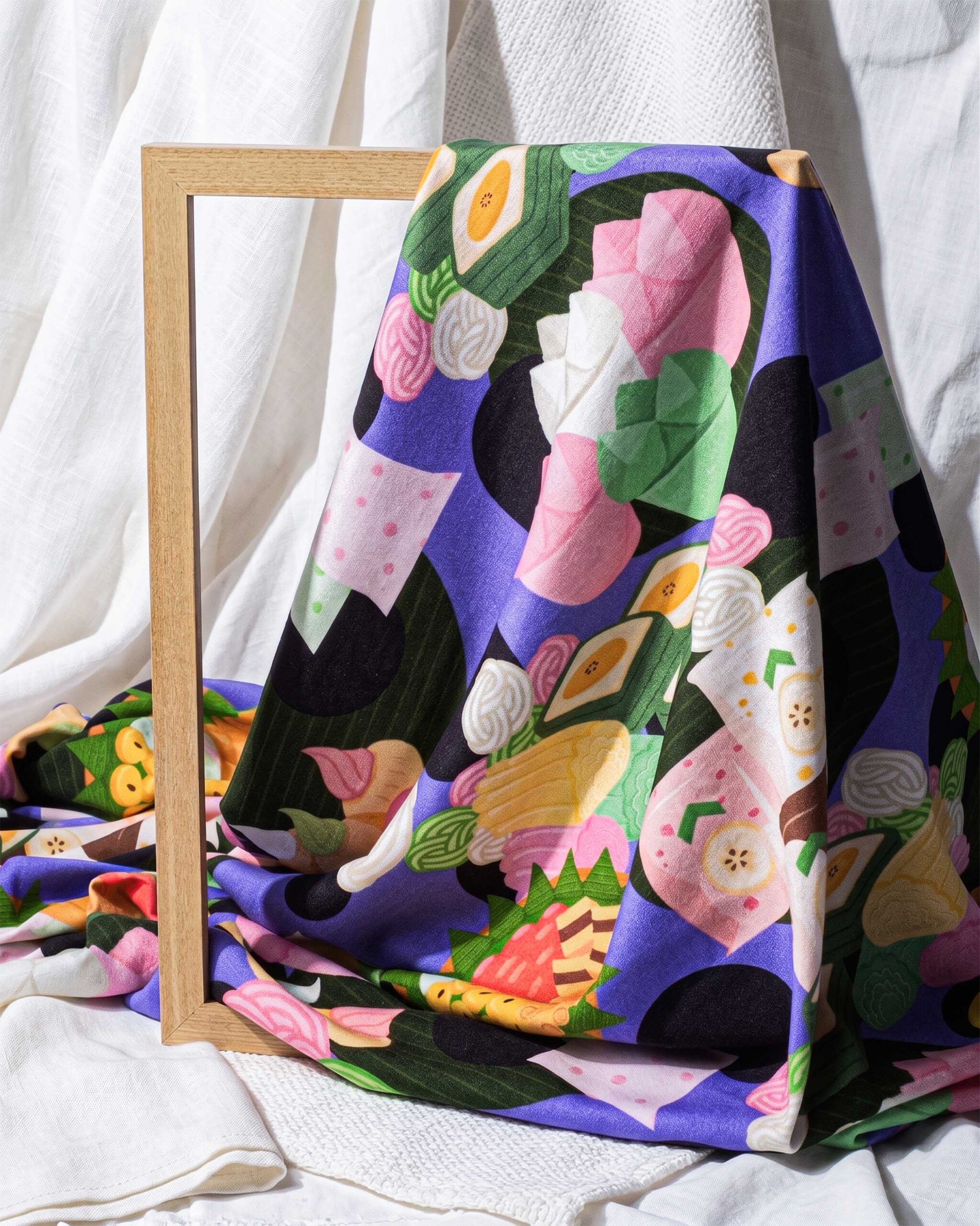
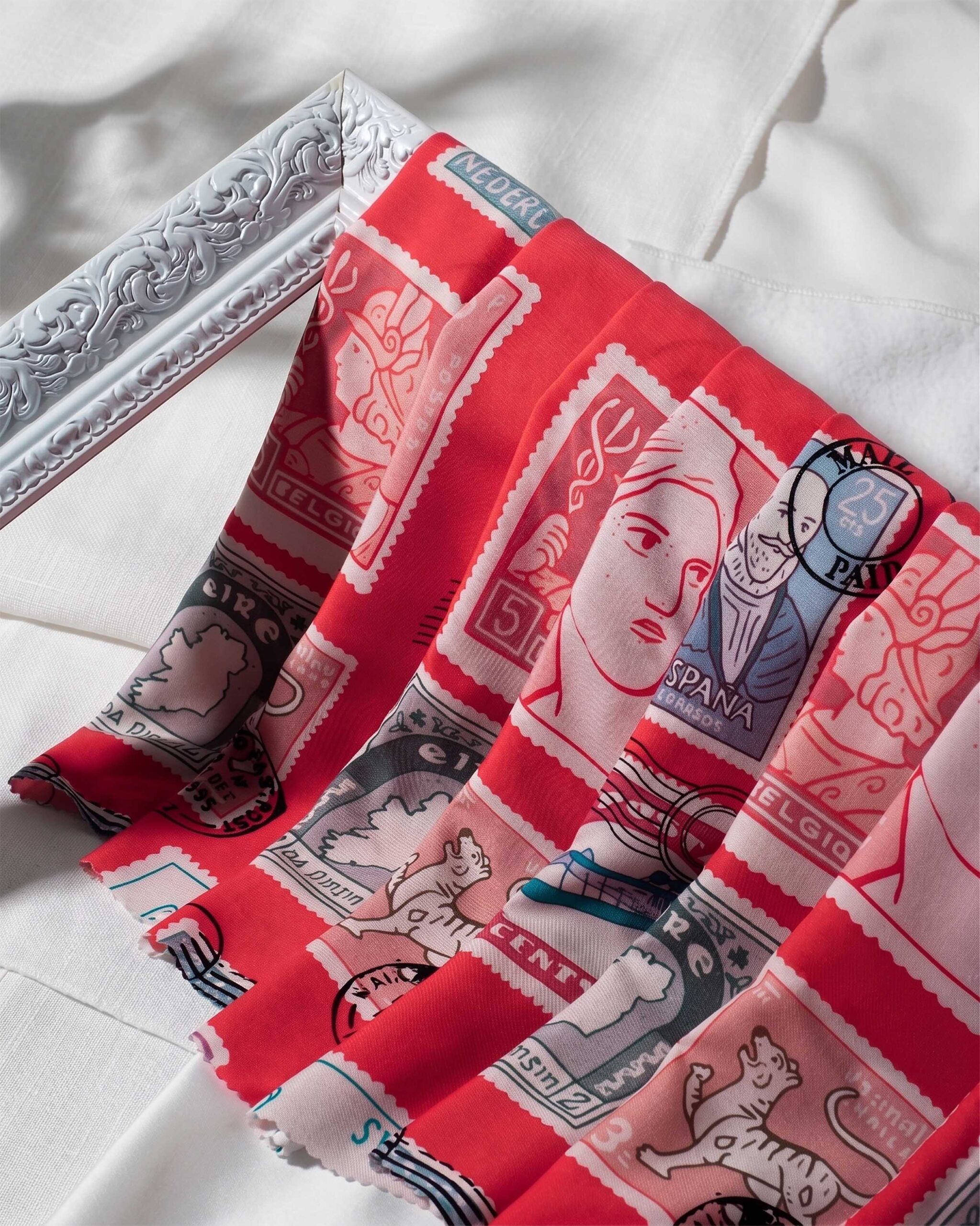
Not every design needs to be seamless. A panel or engineered print is a single complete image printed once in a set position, for example on a scarf, a square hijab or the front of a shirt.
Seamless repeat
- A small tile repeated across the fabric
- Lighter files; fabric can be cut freely
- Note the repeat size, width × height
Panel (non-seamless)
- One complete image with a full composition
- Ideal for fixed-size products
- Note the spacing between panels if repeated
Always state your repeat size (width × height) when you order, so the printer knows the exact scale you want.
Which file formats are safe to send to a fabric printer?
The most common formats for fabric printing are JPG, PNG or TIFF, flattened to a single layer and clearly named.
- Flatten your layers before exporting so hidden layers don't print.
- Outline or rasterize text if your design includes lettering, so fonts can't be swapped.
- Use descriptive file names, for example
yourbrand_leaf-motif_repeat-32x32cm_RGB.jpg. - Check the file size, since very large files can be hard to send by chat or email.
Zalmon Fabric's requirements for resolution, format, maximum file size and how to state repeat sizes are listed on the Zalmon design terms page. Always check it before sending files, as requirements may be updated.
Pre-submission checklist for Zalmon Fabric
Run through this sequence every time you prepare a new design:
- Decide on the product and motif scale, then fix the tile or panel size.
- Create the canvas at actual print size with enough resolution (150–300 ppi).
- Design in the requested color mode (usually RGB) and avoid repeated conversions.
- Test the repeat joins with the Offset filter or a pattern preview.
- Flatten, export in the requested format and name the file clearly.
- Choose your fabric and order a strike-off to check color and scale on the real fabric.
A strike-off is a small test print on the actual fabric before bulk production. At Zalmon Fabric, a digital print strike-off takes 7–10 working days, and digital print production in the normal queue takes at least 21 working days (closed Saturday–Sunday). Read our strike-off guide to understand the process.
The same color can look different on cotton, rayon or TENCEL™. If you're still choosing a base cloth, the Zalmon Sample Pack lets you feel the fabrics and see printed results on several types before you order.
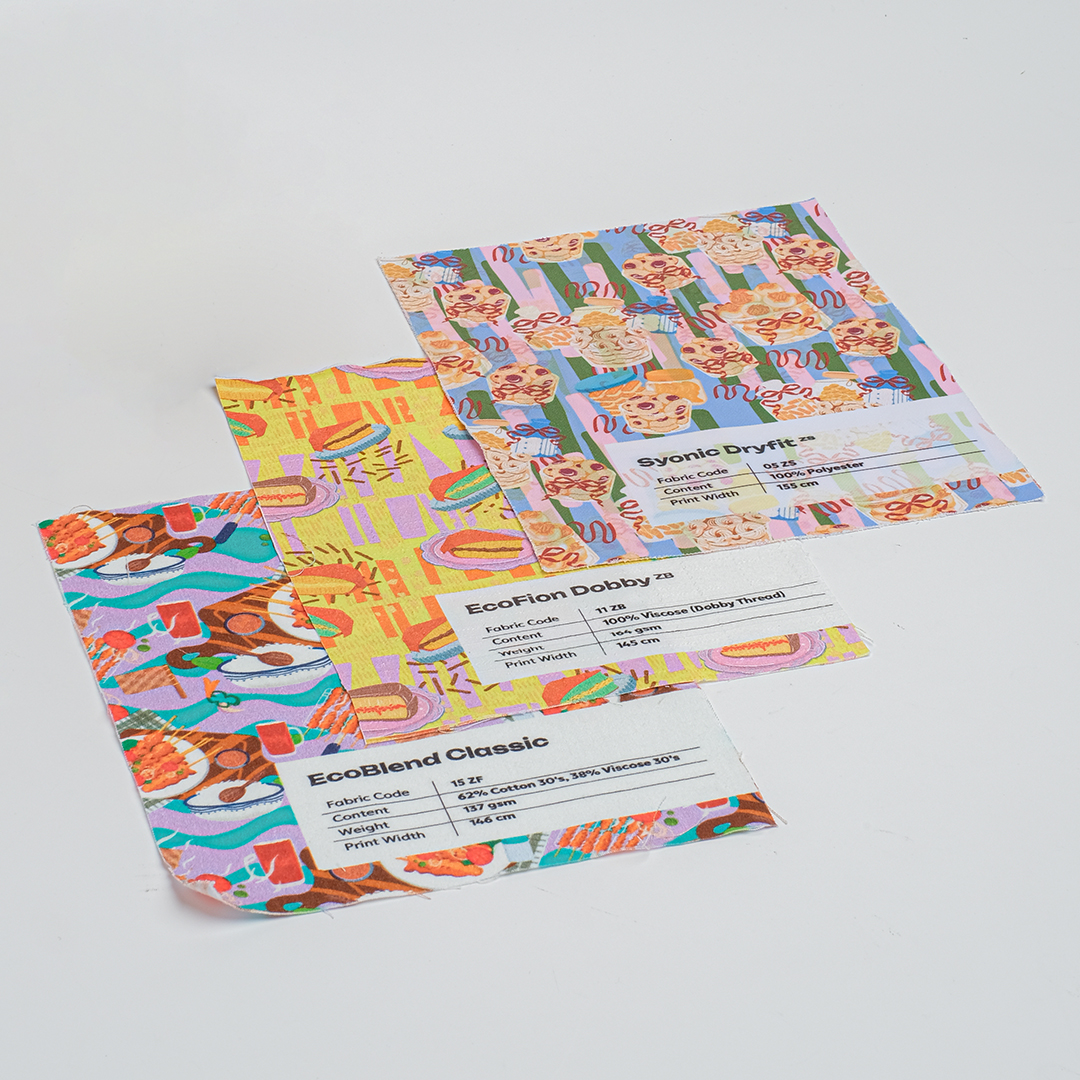
Zalmon Fabric accepts custom digital printing on natural-fiber fabrics from 50 meters for 2 designs (25 meters per design), while custom polyester printing starts at 10 meters. Browse the available base cloths on the Zalmon fabric list.
Zalmon Fabric is a natural-fiber fabric supplier (TENCEL™, cotton, rayon/viscose, silk, linen) and custom digital fabric printing service based in Bandung, Indonesia. Fabrics are woven and printed in-house at its own mill, with OEKO-TEX and Lenzing certifications. Showroom: Ruko 23 Paskal B71, Bandung 40181, Indonesia. WhatsApp: +62 813-2282-8217.
Frequently Asked Questions
What is the minimum resolution for a fabric print file?
Around 150 ppi at actual print size is usually enough for large motifs, and 300 ppi is safer for fine detail or photos. Resolution must be measured at the real print size, not on a small file that gets scaled up. Always check your printer's design requirements as well.
Do fabric print files need to be CMYK?
Not necessarily. Many digital textile printers prefer RGB because it has a wider gamut, and they convert it through their RIP software. Ask which color mode your printer wants before you start designing.
What is the difference between a seamless repeat and a panel print?
A seamless repeat is a small tile repeated without visible joins to fill the whole fabric. A panel is one complete image printed in a set position, ideal for scarves or square hijabs. For either one, state the repeat size or panel spacing when you order.
Why do printed colors look different from my screen?
Screens emit RGB light, while fabric absorbs ink and reflects light, so the two can never be 100% identical. Fiber type and fabric texture also affect color. A strike-off on the actual fabric is the safest way to check color before production.
Can Zalmon Fabric create the pattern design for me?
No, Zalmon Fabric prints designs supplied by the customer. You prepare the design file, and Zalmon Fabric supports you from fabric selection and strike-off through to custom digital printing production.
Ready to Print Your Brand's Patterns?
Good fabric printing file preparation means a faster strike-off and more consistent production. Send us your file, tell us what you're making, and the Zalmon Fabric team will help check it before it goes into production.
Chat via WhatsApp →Get the Sample PackShowroom: Ruko 23 Paskal B71, Bandung, Indonesia.